2026-05-23 | ☁️ Word Meter Word Cloud 🔤
🎙️ What This PR Adds
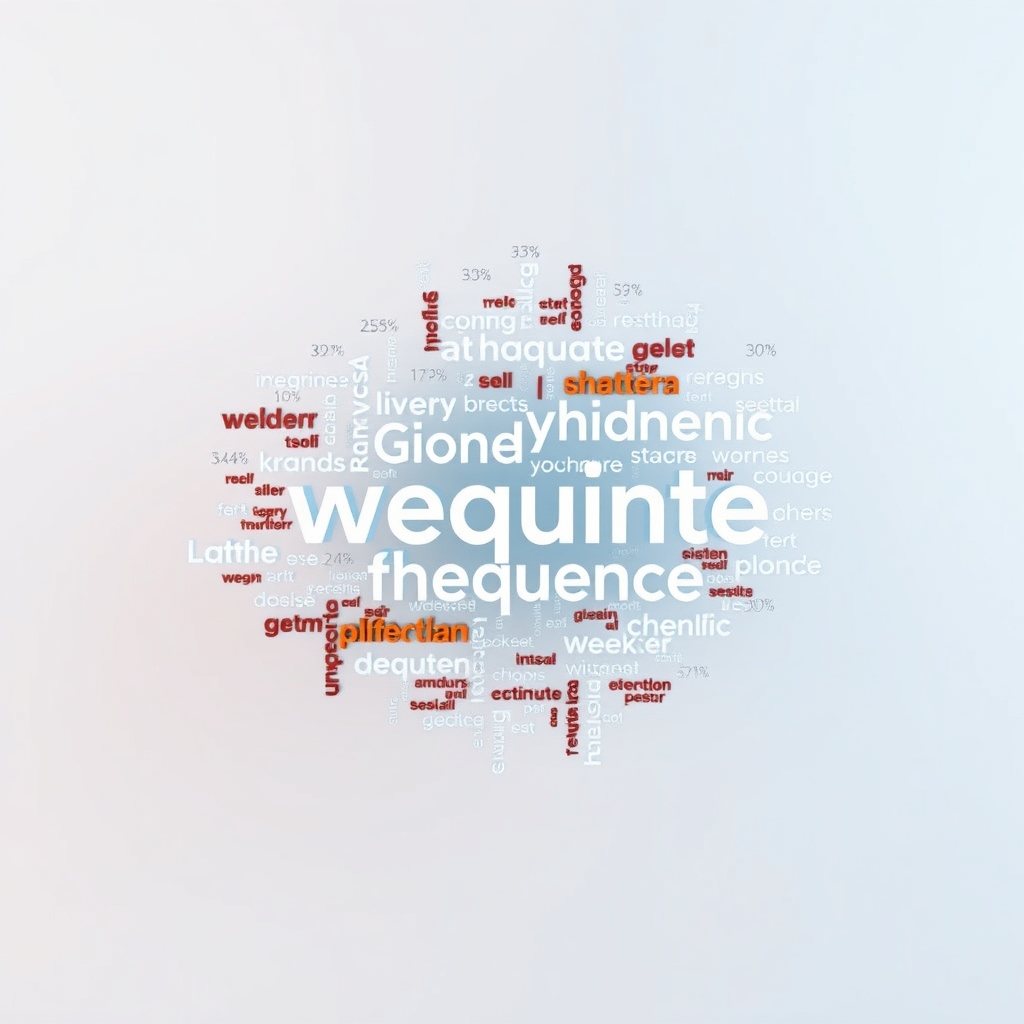
☁️ The Word Meter now shows a live word cloud that visualizes which words you say most often during the current counting period.
🔤 Every word you speak appears in the cloud, sized according to how frequently it has been used relative to the most-spoken word. The most common word gets the largest font, and less frequent words appear progressively smaller.
🔄 The cloud persists after you stop counting so you can review the words from your last session at a glance. It only resets when the next counting interval begins — toggling start, resetting the session, or loading a saved session. No new session state was needed because the existing per-interval word stats tracker already handles the frequency map and already resets in those reducer branches.
🧱 How It Works
📊 A new pure function called topWords was added to the WordStats module. It takes the current word stats and returns every tracked word sorted by descending frequency. When two words have the same count, the tie is broken alphabetically on the normalized key so the output is fully deterministic.
🎨 The view layer gained a buildWordCloud function that sits between the stats grid and the captions panel. It maps each word to a span element carrying a data-testid for testing and a CSS size class derived from the word’s frequency relative to the maximum count in the period.
📐 The sizing algorithm divides each word’s count by the maximum count to get a fraction between zero and one, then maps that fraction into one of five discrete buckets. Bucket one is the smallest at twelve pixels and sixty percent opacity. Bucket five is the largest at forty pixels and full opacity. The three buckets in between interpolate smoothly so there is a clear visual progression from rare words to dominant ones.
🧩 The cloud container uses flexbox with wrapping so words flow naturally across the available width. When no words have been spoken yet, the container is empty and the CSS empty pseudo-class hides it entirely so there is no visual gap.
🔢 Each word carries a small superscript count annotation showing exactly how many times it was spoken, formatted as x followed by the number. The annotation uses a fixed ten-pixel font size at half opacity so it stays readable without competing visually with the word itself.
🧪 Testing
🔬 Three new PureScript unit tests cover the topWords function. The first confirms that empty stats produce an empty array. The second verifies that results come back in descending count order with alphabetical tiebreaking. The third checks that the count values themselves are correct and match the number of times each word was spoken.
🟢 All seventy-one end-to-end tests and all PureScript unit test suites continue to pass with the new code in place.
🎨 Design Choices
🪶 Five size buckets were chosen as a sweet spot between visual variety and simplicity. Fewer buckets make the cloud look flat, while more buckets create distinctions too subtle to notice at a glance.
🎭 Opacity decreases alongside font size so that infrequent words recede visually without disappearing entirely. This mimics the depth-of-field effect seen in traditional word clouds where minor words fade into the background.
📍 The cloud renders between the stats grid and the captions panel. This placement means the most dynamic content — the cloud growing word by word as you speak — sits right below the numbers you are watching and right above the transcript you are reading.
🔮 Future Possibilities
🎨 Color coding by part of speech or by novelty could add another visual dimension. Nouns in one hue, verbs in another, and brand-new words highlighted with a distinct color would make the cloud more informative.
🖱️ Interactive tooltips showing the exact count when you hover or tap a word would let curious users drill into the data without cluttering the default view.
📈 An animation that grows words in real time as new transcripts arrive could make the cloud feel alive. Each new occurrence would trigger a brief scale pulse before the word settles into its new size.
📚 Book Recommendations
📖 Similar
- Thirty Million Words by Dana Suskind is relevant because the Word Meter and its word cloud are directly inspired by the research showing that the quantity and variety of words children hear drives cognitive development, and a live frequency visualization is one way to make that invisible input visible.
- The Art of Language Invention by David J. Peterson is relevant because it explores how humans build and internalize vocabularies, which connects to the idea of watching your own vocabulary take shape in real time through a word cloud.
↔️ Contrasting
- Silence: In the Age of Noise by Erling Kagge offers a contrasting perspective by celebrating the value of fewer words and quiet reflection, pushing back against the assumption that more speech is always better.
🔗 Related
- Beautiful Visualization by Julie Steele and Noah Iliinsky is related because it covers the design principles behind effective data visualizations, including word clouds, and the tradeoffs between aesthetics and information density that shaped the five-bucket sizing approach in this feature.